3min read
When does a local business list go stale?
A list isn't a file, it's a photograph with a date on it. Which fields decay in weeks, which take years, and how to plan re-verification around that.
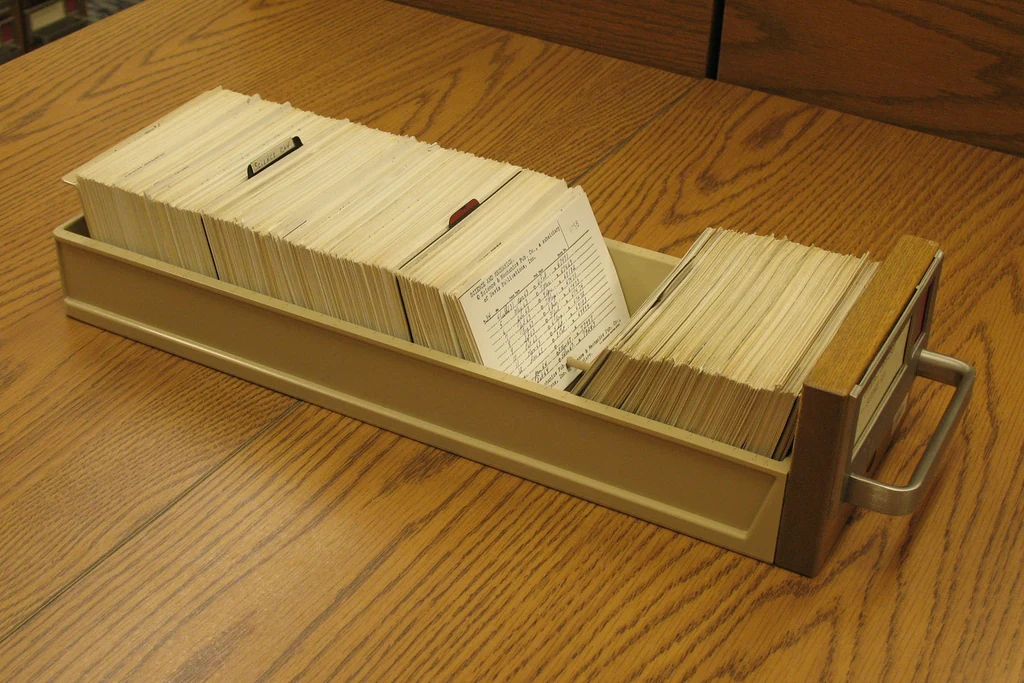

When you produce a list of local businesses, it feels like you’re holding a file. What you’re actually holding is a photograph of one particular day. The date it was taken matters as much as any column on it.
The problem isn’t that the list becomes invalid all at once. It’s that it decays in pieces, quietly.
Fields don’t age at the same speed
Judging a record by a single “freshness” score gives you the wrong answer, because the fields inside one record change at wildly different rates.
Opening hours decay fastest. Season, holidays, a staffing change: any of them shifts the hours, and most businesses never update them on the map.
Phone and website sit in the middle. They may hold for a year, but when they change the old value is completely dead: the message doesn’t arrive, the email bounces.
Address and business type move slowest. A hairdresser may relocate, but it stays a hairdresser.
The finding on the site (a broken mobile layout, a form that doesn’t submit, missing contact details) is its own category, and there’s no telling when it changes. The business might have rebuilt the site last week. Your finding is invalid the moment they do, and your message is now describing something that isn’t there.
The expensive mistake: offering to fix what’s already fixed
The cost of working from an old list is usually assumed to be a wasted message. It isn’t.
The real cost is a message written from a three-month-old finding reaching an owner who fixed that problem last month. That message is no longer an offer; it’s proof you didn’t look. The entire advantage of a first message, that you examined something specific, inverts.
Which is why findings about a website can’t be stored alongside the list. They’re what you re-check immediately before writing.
How to plan re-verification
Rescanning the whole list is expensive and unnecessary. The split is here.
Before writing a message, refresh only the finding. That means looking at one page, and it takes minutes.
Review the record itself (phone, address, hours) once a quarter. That interval is enough for most local businesses, and doing it more often buys nothing.
Regenerate the whole list if it has been sitting untouched for more than six months. Past that point, correcting it row by row costs more than producing it again.
Put the date column inside the list
The single most useful habit in practice: store, next to every record, when the data was collected. One date for the finding, one for the record.
Without that column a list looks ageless, and an ageless list is assumed to be fresh. Open the same file two months later and you’re guessing which rows still hold, and guessing is where the wrong message comes from.
NAFRU Scout keeps every finding with the date it was collected. That age stays visible while you’re editing the message draft; whether you want to write on top of a stale finding is your decision, not a hidden one.
Related posts

How to spot a business that has already closed
A closed business does not vanish from the map and still looks live on your list. Four signals you can gather at a distance, and why none of them stands alone.
Checking whether a phone number and website still work
Verifying a list before writing to it looks like wasted time. What can be checked automatically, what cannot, and what each failure says about the business.

Mapping the fields when a list moves into a CRM
A single CSV import can destroy months of collected context beyond recovery. Five fields that need a decision before the list is moved anywhere.